SEO Inspector
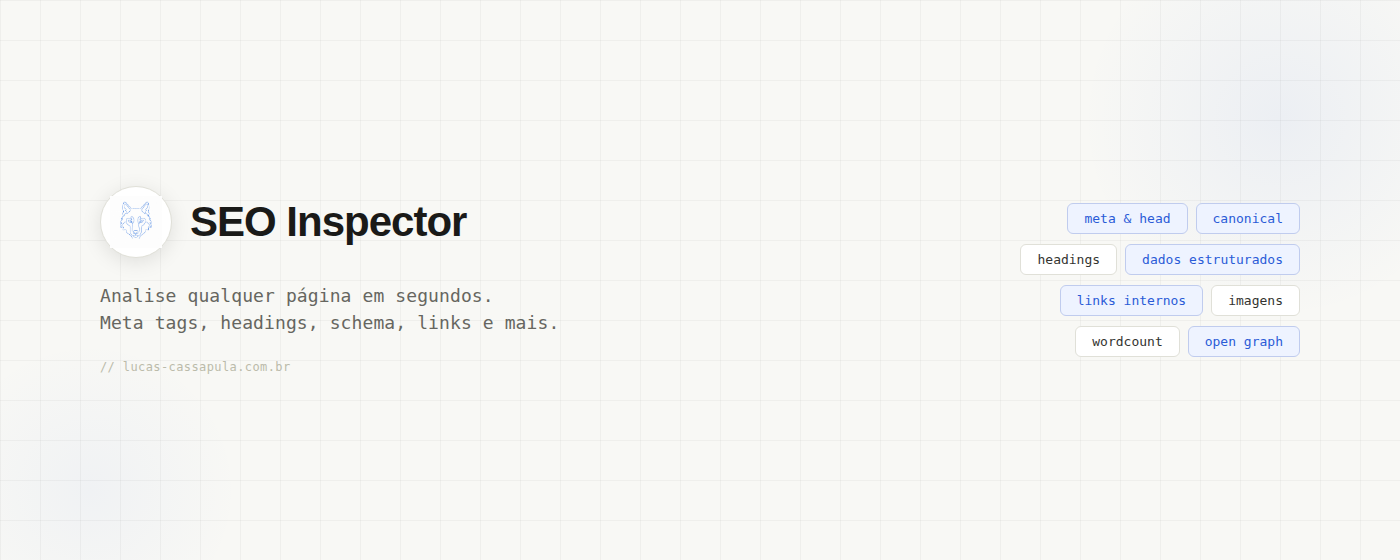
A free Chrome extension that instantly analyzes the SEO data of any page you are visiting. No DevTools, source-code copying or external tools required. Click the icon and the data appears in a clean panel organized by category.
Free on the Chrome Web Store
compatible with Chrome, Brave, Edge and other Chromium-based browsers
what it analyzes
Title, description, canonical, indexability, HTTPS, hreflang and Open Graph
H1 text plus H1, H2, H3 and H4+ counts
Word count and text-to-HTML ratio
Total images and how many have or are missing alt text
Total, internal, external and nofollow links
Detected schema types with the complete JSON-LD available on click
how to use it
Install the extension from the Chrome Web Store. A wolf icon appears in your browser’s extensions bar. Navigate to any page you want to inspect and click the icon—the panel immediately opens with all data from the active page.
Use the ↺ button to analyze the page again without closing the panel, which is useful on SPAs that navigate without a reload. The copy report button exports every result as structured text.
the copied report
When you click copy report, the data is exported as plain text in organized sections. It is easy to paste into Notion, Google Docs, Slack or a client email.
SEO Inspector — Report
URL: https://example.com/product/xyz
────────────────────────────────────────

// META & HEAD
Title:        Page Title | Brand (24 chars)
Description:  Page description with useful details... (142 chars)
Canonical:    example.com/product/xyz
Indexability: index, follow
HTTPS:        yes
Hreflang:     not found
Open Graph:   present

// HEADINGS
H1 (1): Main Page Heading
H2: 4  |  H3: 7  |  H4+: 2

// CONTENT
Word count:  842 words
Ratio:       text/HTML: 28%

// IMAGES
Total: 12  |  With alt: 9  |  Missing alt: 3

// LINKS
Total: 87  |  Internal: 64  |  External: 23  |  Nofollow: 2

// STRUCTURED DATA
Product, BreadcrumbList, Organization, FAQPage
────────────────────────────────────────
generated by SEO Inspector — lucas-cassapula.com.br
privacy and permissions
SEO Inspector requests three Chrome permissions:
Allows the extension to read the tab you are viewing when you click its icon. It cannot access your other open tabs.
Required to run the analysis on the active page and extract data from its DOM. Metadata and headings cannot be read without it.
Used exclusively by the copy report button to write the structured report to your system clipboard.
note: no data is collected, stored or sent to external servers. The entire analysis happens locally in your browser.
frequently asked questions
Yes. The extension is completely free on the Chrome Web Store and does not require an account.
If you found a bug, have a feature suggestion or want to discuss SEO, send me a message on LinkedIn.
talk on LinkedIn